Before backup, the mobile phone do not have any messages as a brand new phone.

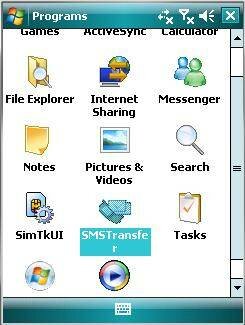
Step 1: Click on "SMS Transfer" in programs list to run it.
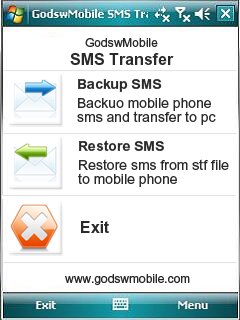
Step 2: Click on "Restore Messages" in the main interface to save your SMS messages into mobile phone.
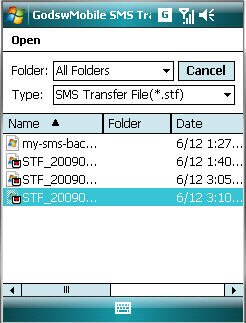
Step 3: Select and click on the stf file to be restored.
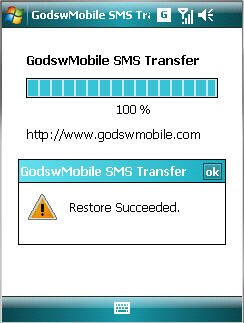
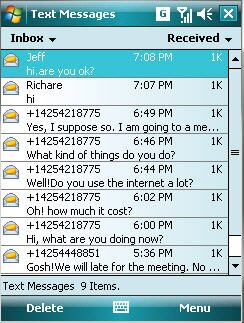
After Restore Succeed. You will see all you message come back to your phone now!


没有评论:
发表评论